Billing configuration redesign
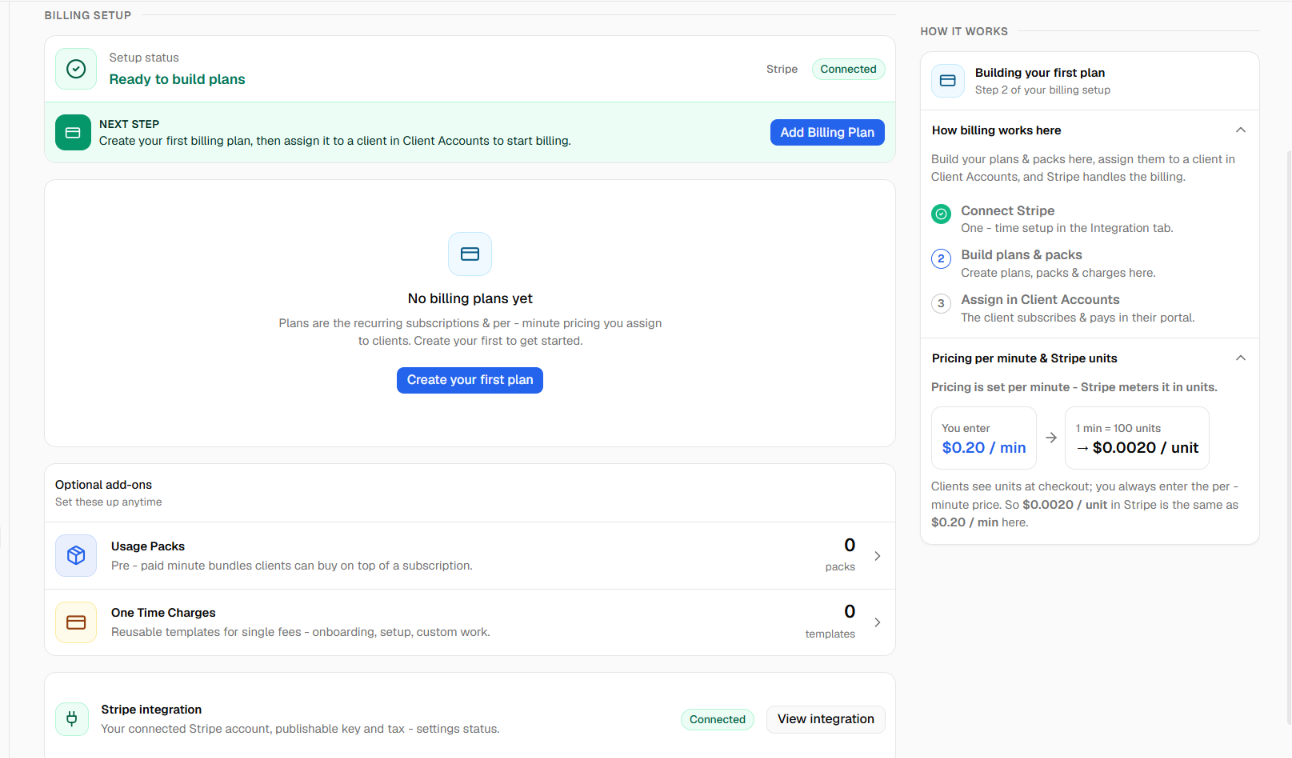
The billing configuration area has a refreshed interface, a new Overview tab, and smoother step-by-step flows for setting up plans, usage packs, and one-time charges. The capabilities are the same ones you had before, reorganised to be clearer and easier to work through.
What's new
New Overview tab. A single place to see your Stripe connection status, tax setup status, your most recent plan, and counts of your active plans, usage packs, and one-time charges, so you can tell at a glance whether billing is ready to use.
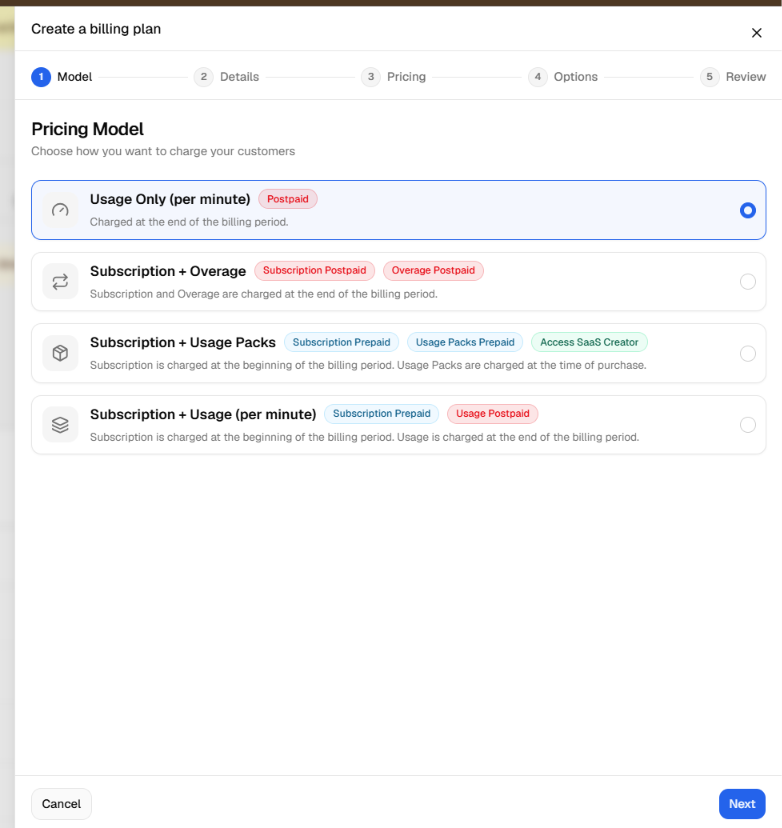
Step-by-step plan setup. Creating a plan is now a guided flow instead of one long form: choose your pricing model, set the name, description, and currency, configure pricing and billing periods, optionally add a free trial or chat billing, then review before you publish.
Clearer usage packs and one-time charges. Each now has its own detail view showing which clients it applies to, making them easier to manage and review.
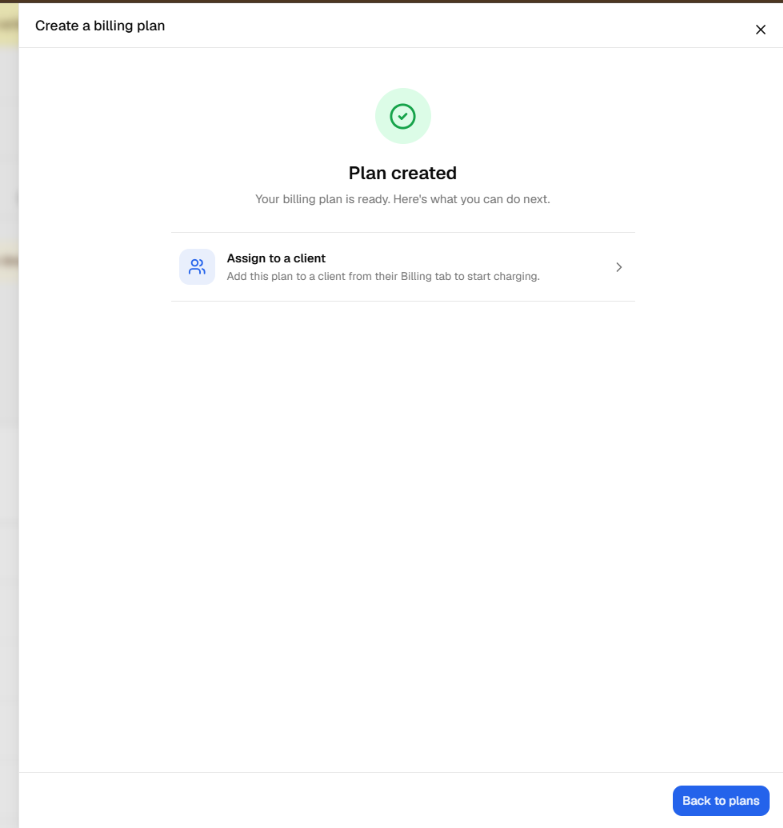
Confirmation when you finish. After creating a plan, usage pack, or one-time charge, a success step confirms it's done and points you to the next step.
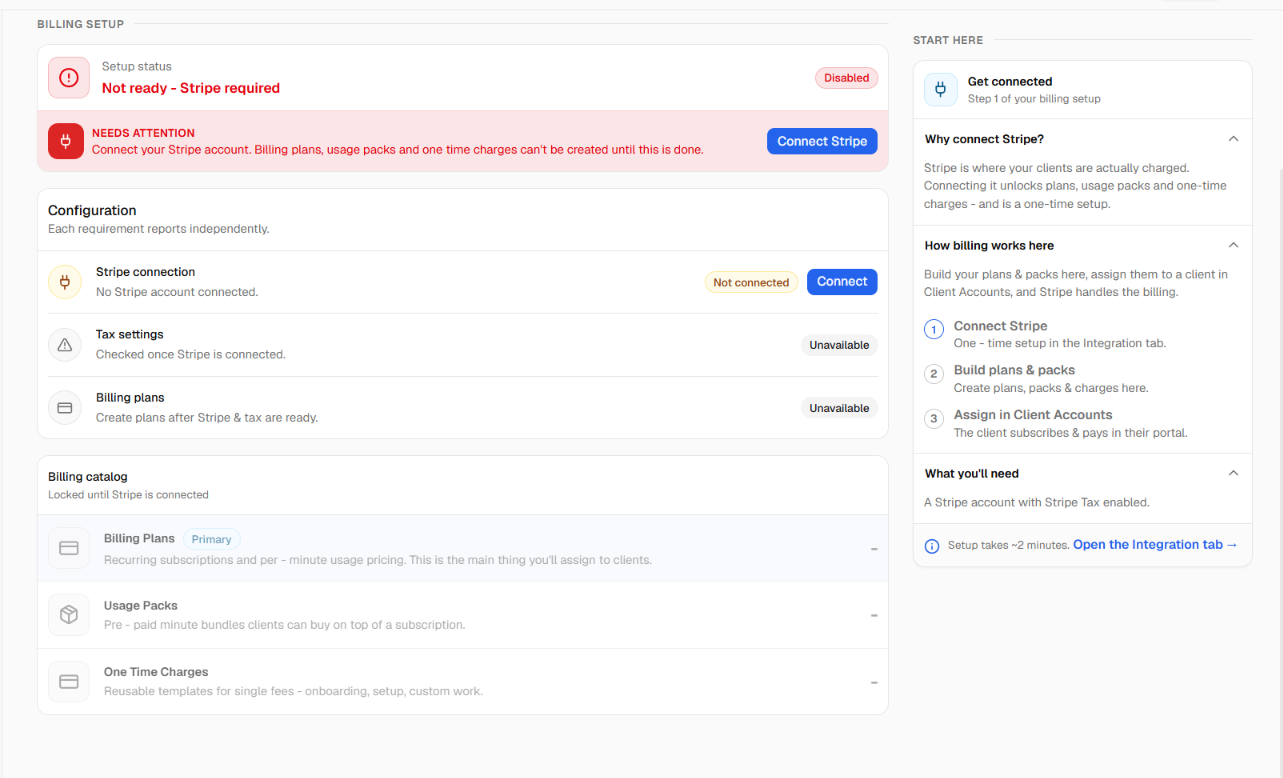
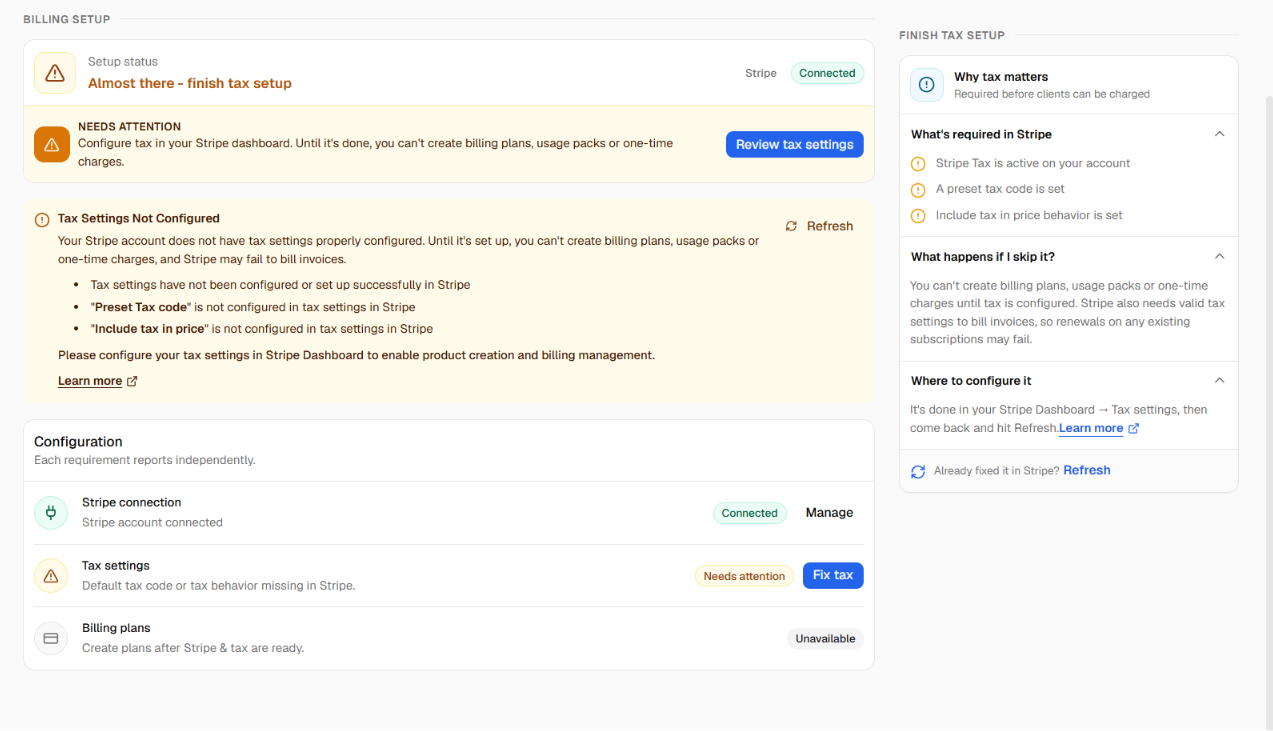
Redesigned Stripe integration tab. Cleaner connected and disconnected states, an updated disconnect confirmation, a tax-settings health check, and a button to refresh your tax status from Stripe on demand.
Refreshed look throughout. Updated layout and components across the billing screens for a more consistent experience.
Note: As before, Stripe must be connected and tax settings configured before plans can be sold.