Connect your own SIP trunk
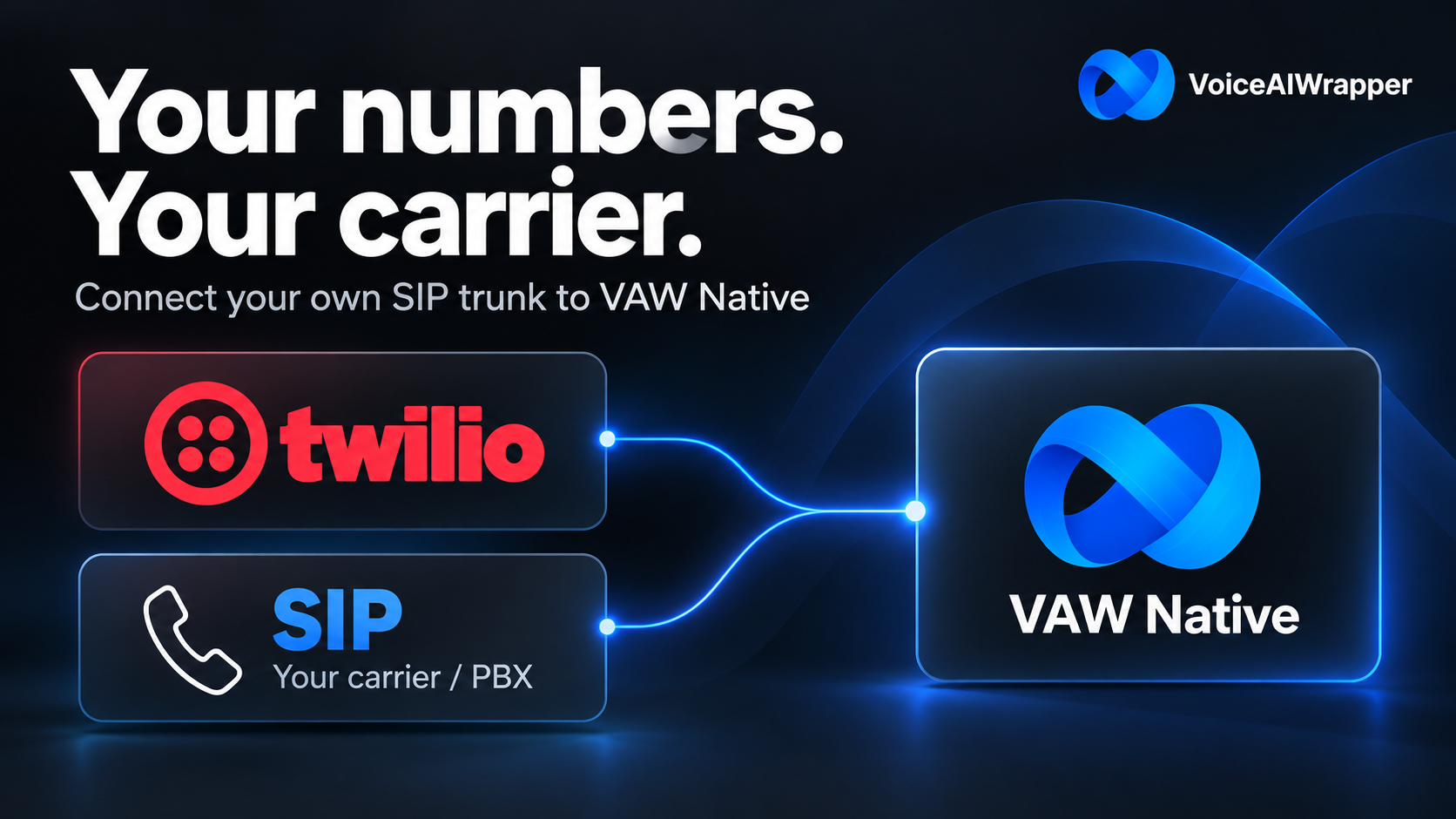
You can now connect your own SIP trunk to VAW Native, so your agents can answer and make calls on numbers from your existing carrier or phone system, alongside Twilio.
What's new
Bring your carrier or PBX. Connect a trunk from a provider such as Telnyx, or from your own phone system. Inbound calls, outbound calls, campaigns and transfers all work on its numbers.
How to set it up
1. Go to Phone Numbers → Connected telephony accounts → Add a connection and choose SIP trunk.

2. Copy the SIP server URI from the form and set it as the origination URI in your provider's portal.

3. Add your provider's IP addresses, a username and password, or both, then the Termination URI your provider gives you for outbound calls. Save the connection.

4. Import your numbers onto the trunk and choose which agent answers each one.
Caller details for your agent. Details your phone system sends with a call, such as a customer ID, are available to your agent as sip.x-header-name and in your pre-call webhook.
For your clients. Client users can connect their own SIP trunk from the client portal.
Help when you need it. The Contact support link in the form opens a chat with our team.